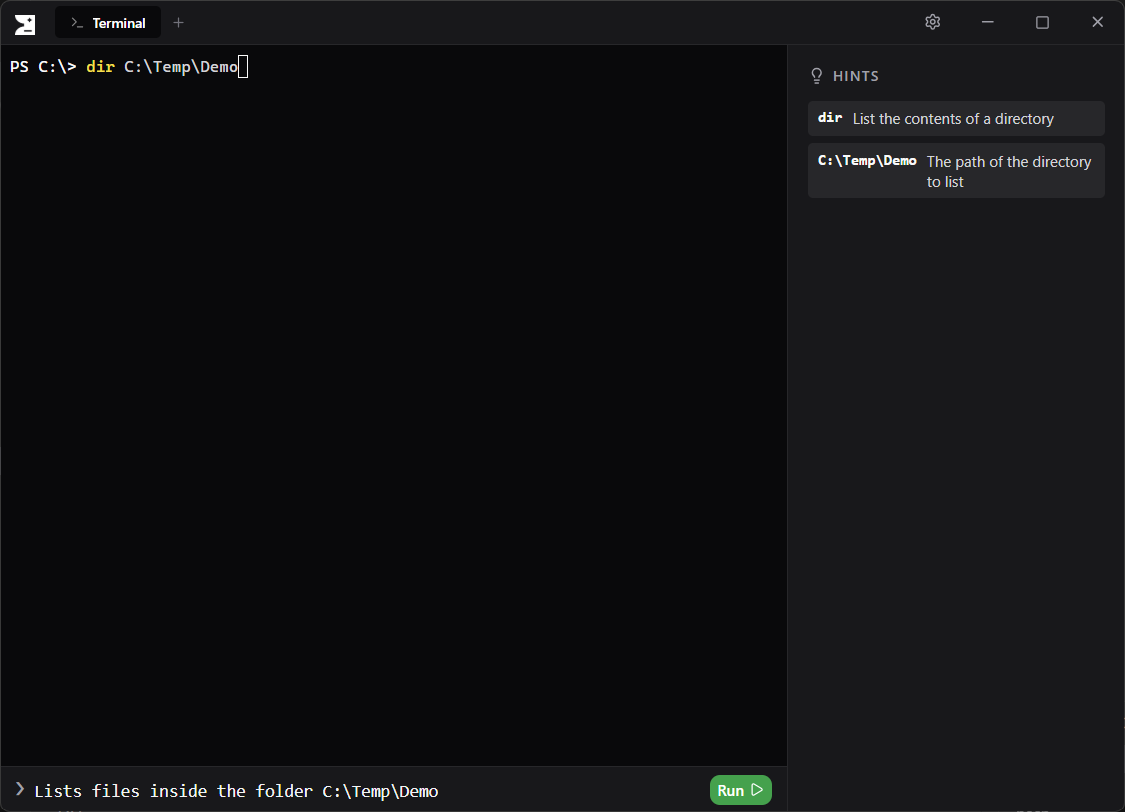
PromShell is a lightweight layer on top of your shell that links it to AI providers like OpenAI, Claude or local models via Ollama, allowing you to generate and understand commands without leaving the terminal.
Why PromShell
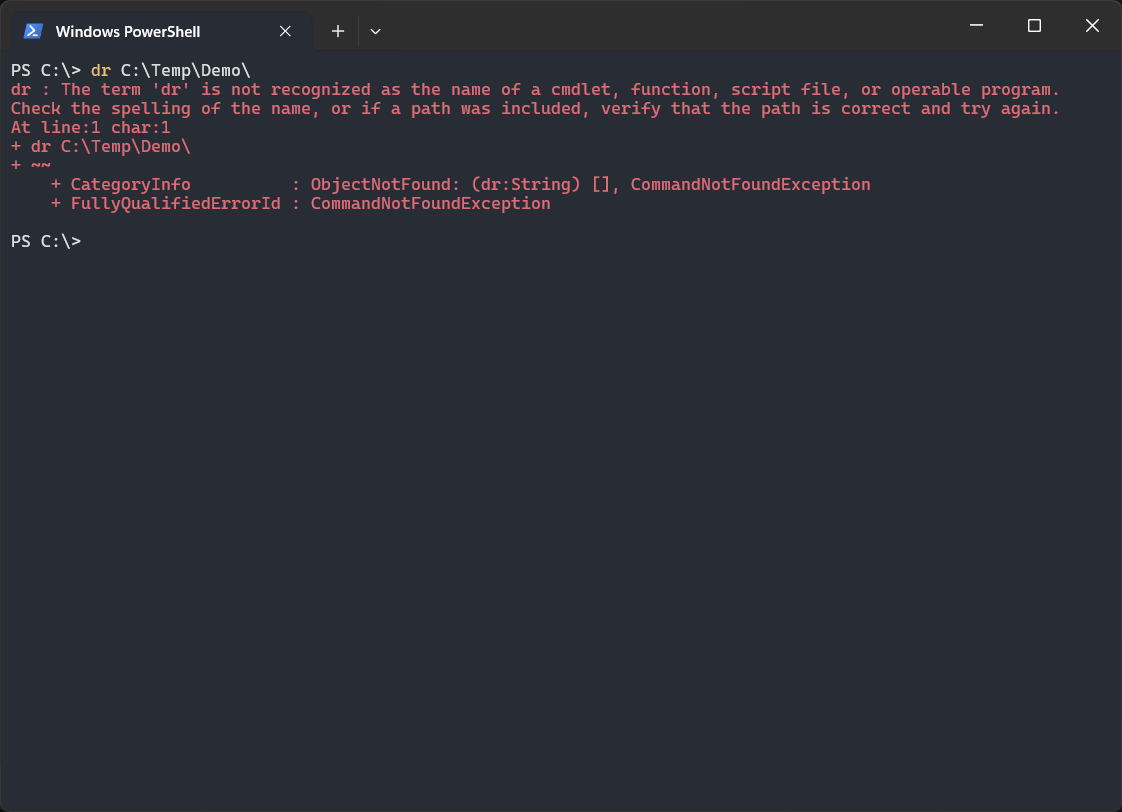
While traditional terminals force you to memorize arcane syntax or constantly switch contexts to search the web, PromShell seamlessly integrates AI directly into your workflow. Generate complex commands from natural language, visually understand execution steps before running them, and maintain your creative flow in a sleek, modern UI.
Features
Enhance your command-line productivity with a modern terminal built for speed, security, and seamless AI integration.
Cross-platform
Works seamlessly across Windows, Linux, and macOS.
Multi-tab Support
Run multiple sessions simultaneously. Each tab runs a completely separate session.
Dark & Light Mode
Seamlessly switch between dark and light themes and match your system preferences.
Local or Cloud AI
Connect to a local Ollama server, or use your OpenAI and Claude API keys directly.
Secure by Design
Commands are only generated, never executed automatically. You must explicitly press Enter.
Privacy-first Option
Keep everything completely local when using Ollama without any cloud dependencies.
Download PromShell
Latest Version: v1.0.0-beta
Downloads: 26
 Windows (.exe)
 macOS (.dmg)
 Linux (.AppImage)